
React re rendered my component
What triggers React to re render your component, and why re-rendering is not the same as updating the DOM.
🧩 Introduction
Something weird happened again.
My React component re-rendered.
But…
- I didn’t use setState
- I didn’t update anything
- No obvious changes
Still…
👉 React rendered again.
At this point, most developers think:
But that’s not true.
👉 React is doing exactly what it’s designed to do.
🧩 The Question
So I asked myself:
👉 Why did React render again?
I didn’t change state.
I didn’t change props.
So what triggered it?
This is where most developers hit a wall.
Because they think:
👉 “Re-render only happens when state changes.”
That’s incomplete.
Let’s fix that mental model.
🧠 The Core Idea You Must Understand
👉 React does NOT track “what changed visually”
👉 React tracks signals
When a signal changes…
👉 React runs your component again.
🧩 Reason #1: State Changes
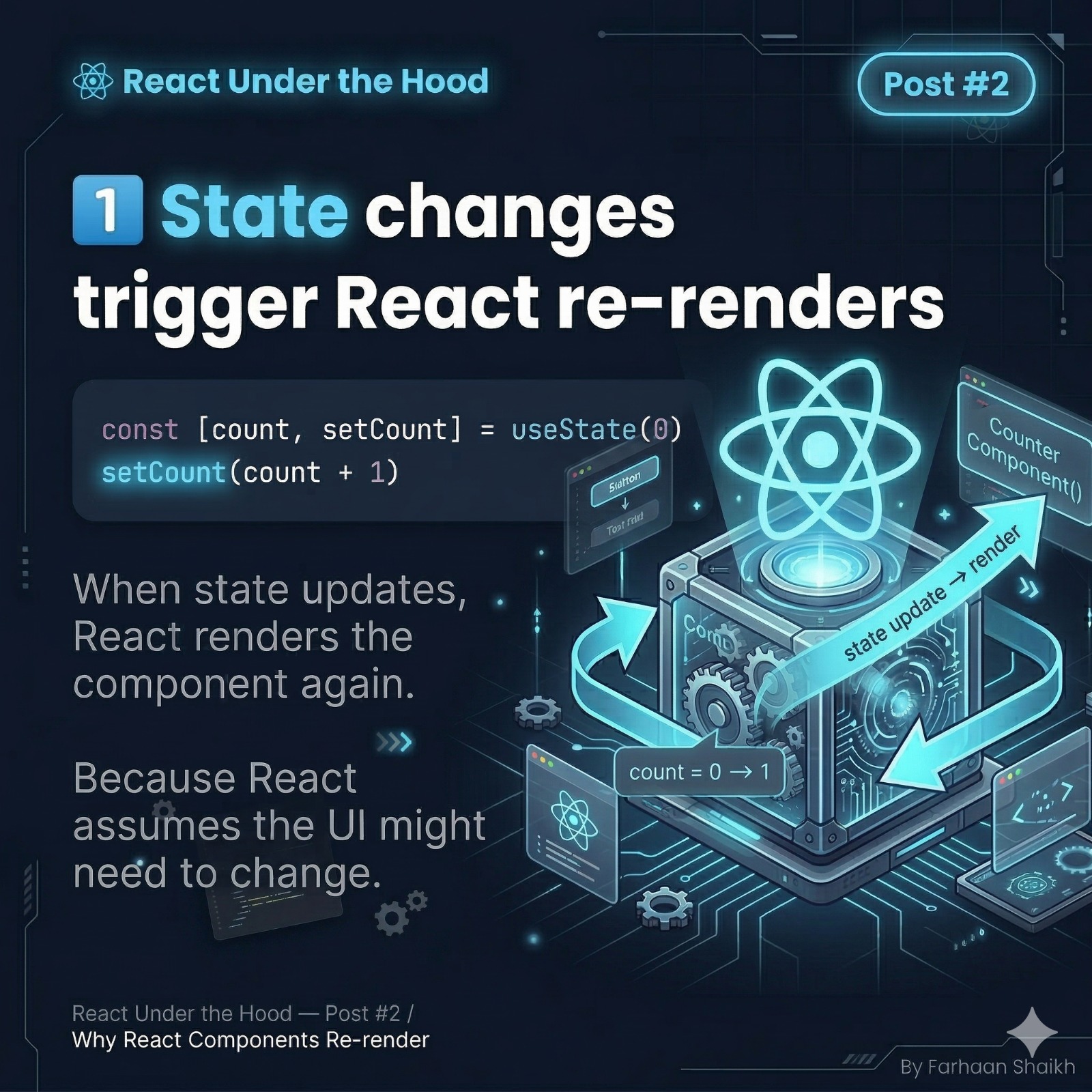
This is the most obvious one.
typescript
const [count, setCount] = useState(0)

setCount(count + 1);
What happens:
- State updates
- React assumes UI might change
- Component runs again
Important insight:
React doesn’t check what changed in UI first.
👉 It re-runs the component first, then decides.
Why?
Because your UI is defined by your function:
javascript
return <h1>{count}</h1>To know the new UI…
👉 React must run the function again.
🧩 Reason #2: Props Changes
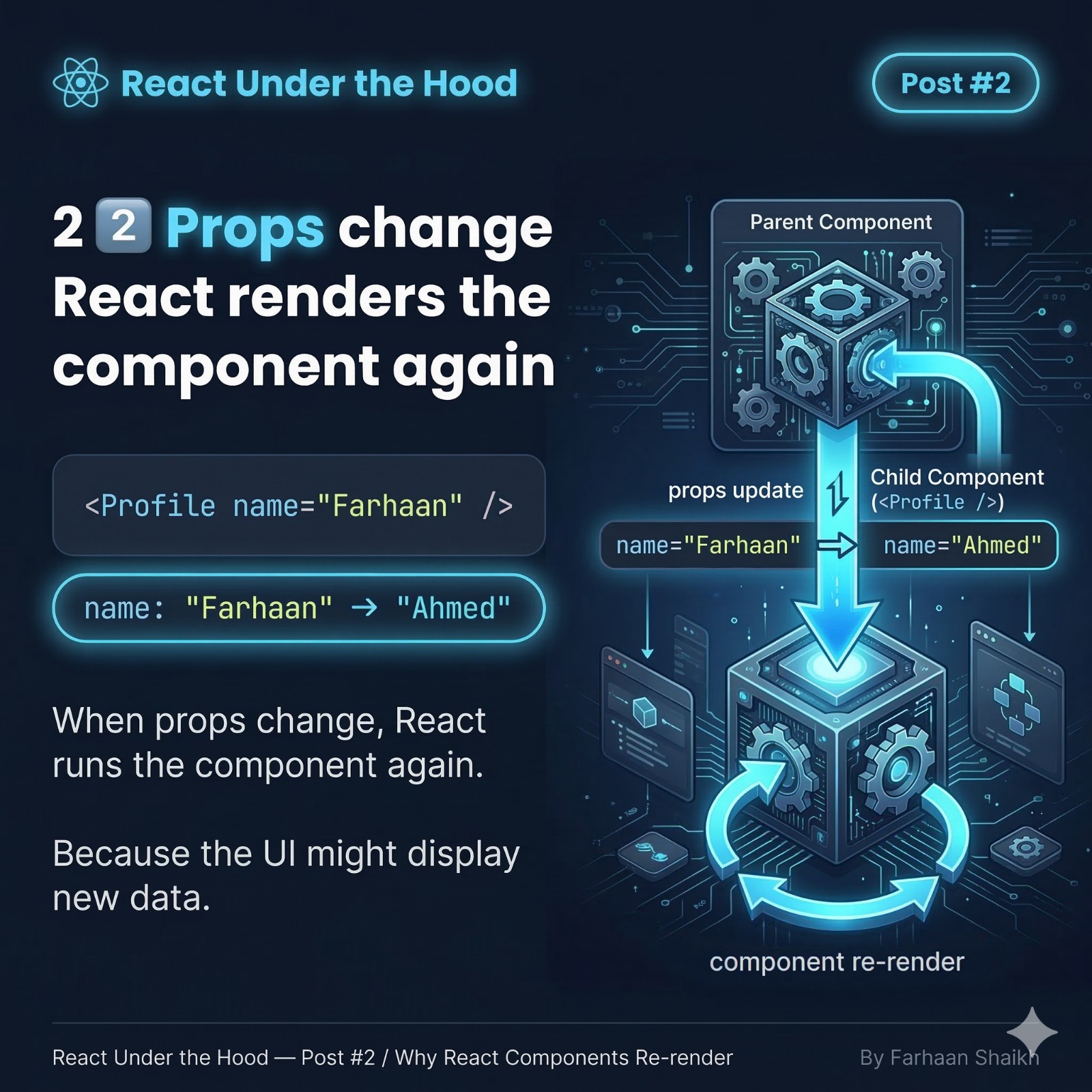
javascript
<Profile name="Farhaan" />Later:
javascript
<Profile name="Ahmed" />What happens:
- Props changed
- React re-runs the component
Why?
Because props are inputs to your component
If inputs change…
👉 Output (UI) might change.
Mental Model:
javascript
Component = Function(props) → UIChange props → run function again.
🧩 Reason #3: Parent Re-render
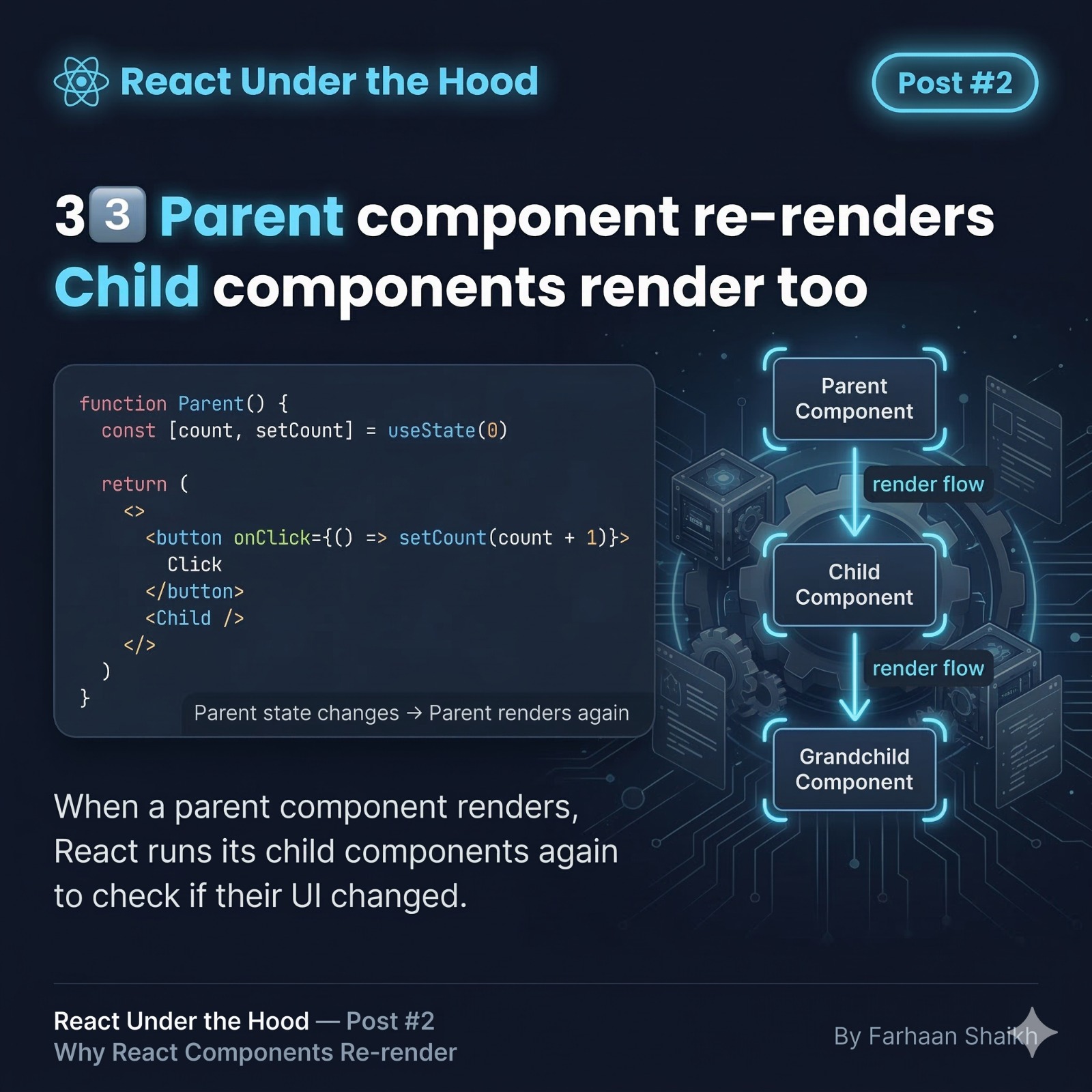
This is where most developers get surprised.
typescript
function Parent() {
  const [count, setCount] = useState(0)

  return (
    <>
      <button onClick={() => setCount(count + 1)}>Click</button>
      <Child />
    </>
  )
}
What happens:
- Parent state changes
- Parent re-renders
- Child ALSO re-renders
Even if Child has no state?
👉 YES.
Why?
Because React re-runs the parent function.
And inside it:
javascript
<Child />gets executed again.
🔥 Key Insight:
React does NOT track component boundaries like you think.
It follows the render tree.
Think of it like:
👉 If a parent runs, its children run too.
🧩 Reason #4: Context Updates
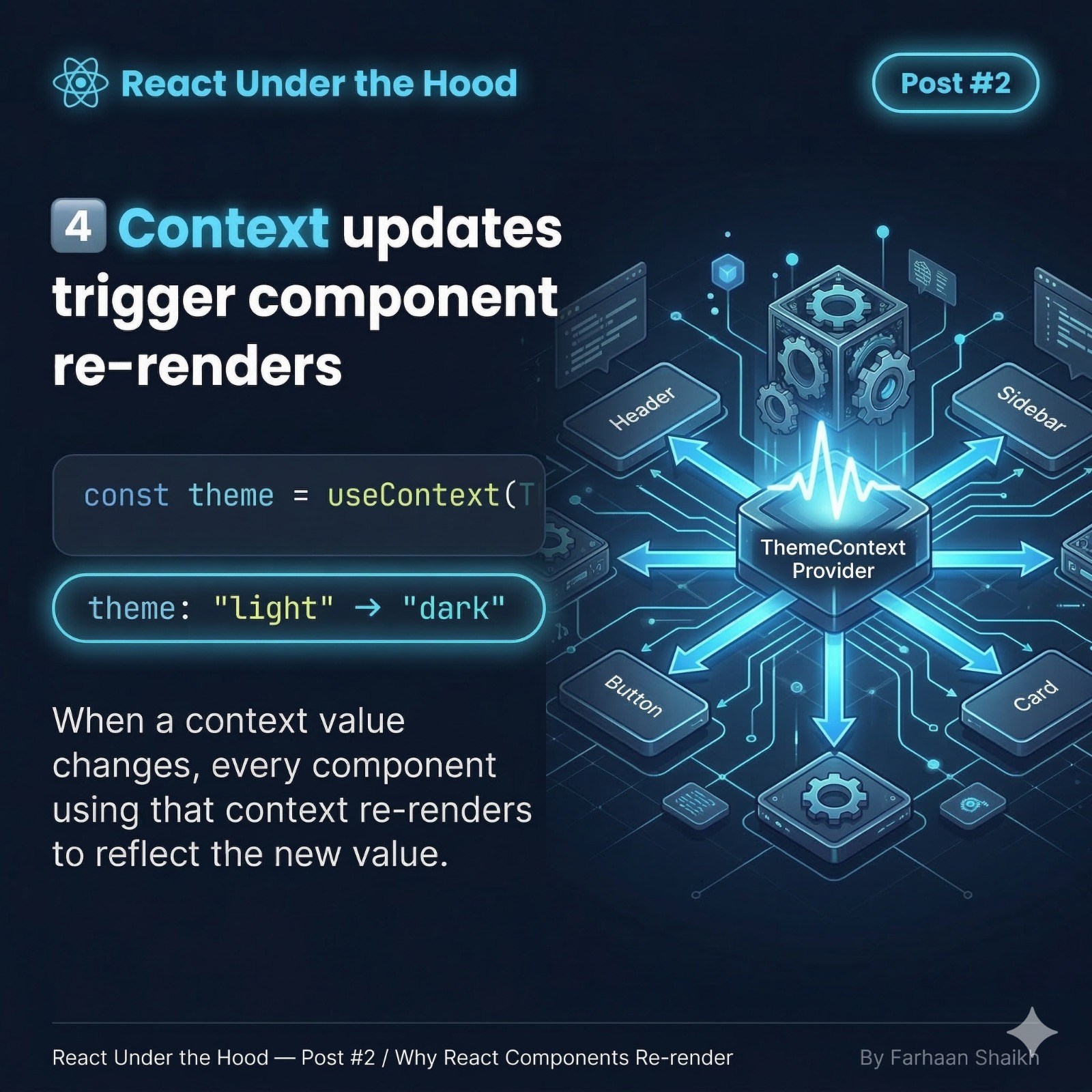
typescript
const theme = useContext(ThemeContext)If the context value changes:
javascript
"light" → "dark"What happens:
👉 Every component using that context re-renders.
Why?
Because context is like global state for a tree
If it changes…
👉 React must update all consumers.
🧠 Now Let’s Connect Everything
From the slides:
- State changes
- Props changes
- Parent renders
- Context updates
These are the 4 main signals:
👉 “Run this component again”
🧩 The Big Confusion
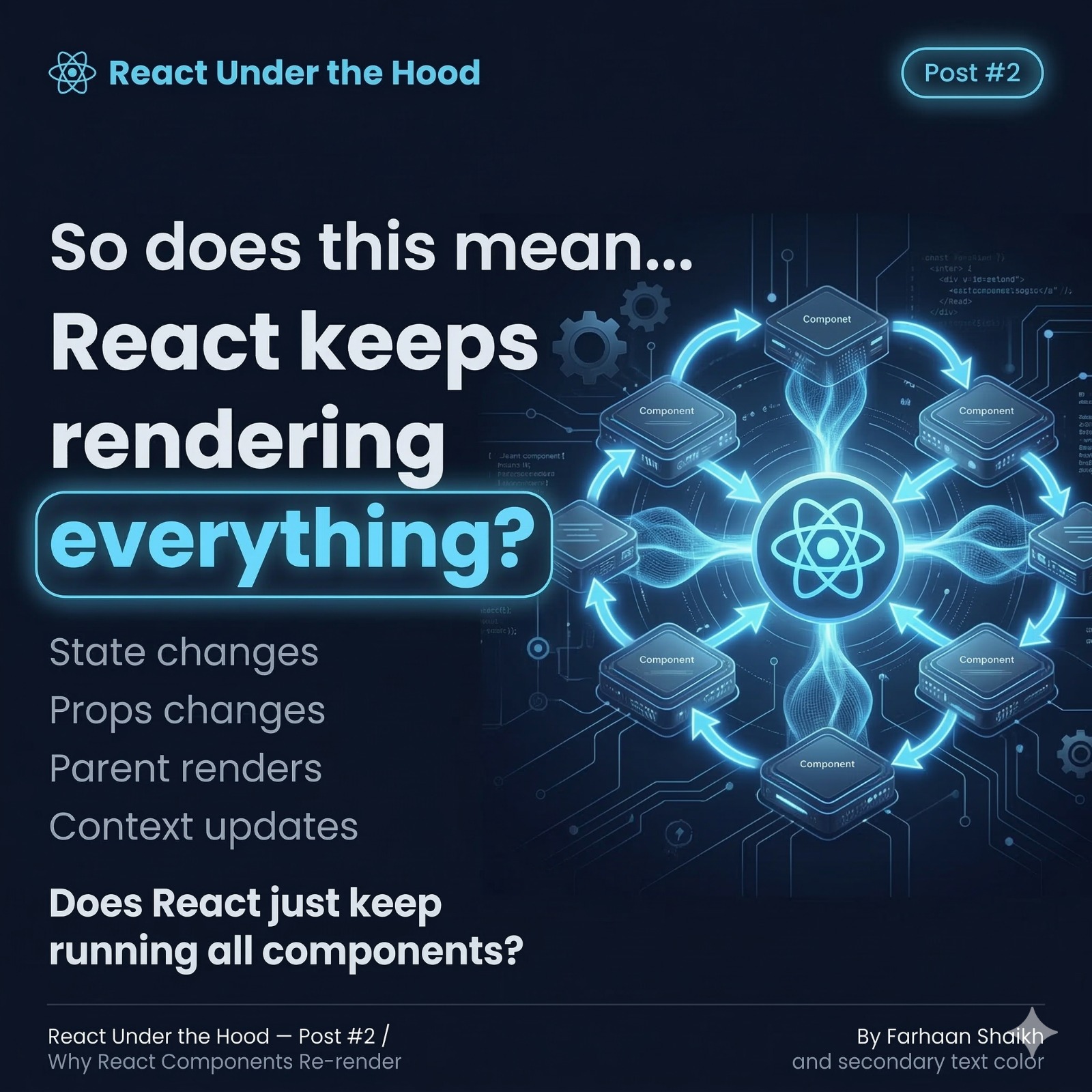
Now the big question:
👉 Does React just keep rendering everything all the time?
Short answer:
❌ No
✅ But it may look like it
Because you’re misunderstanding one thing:
👉 Re-render ≠ UI update
🧩 The Most Important Concept
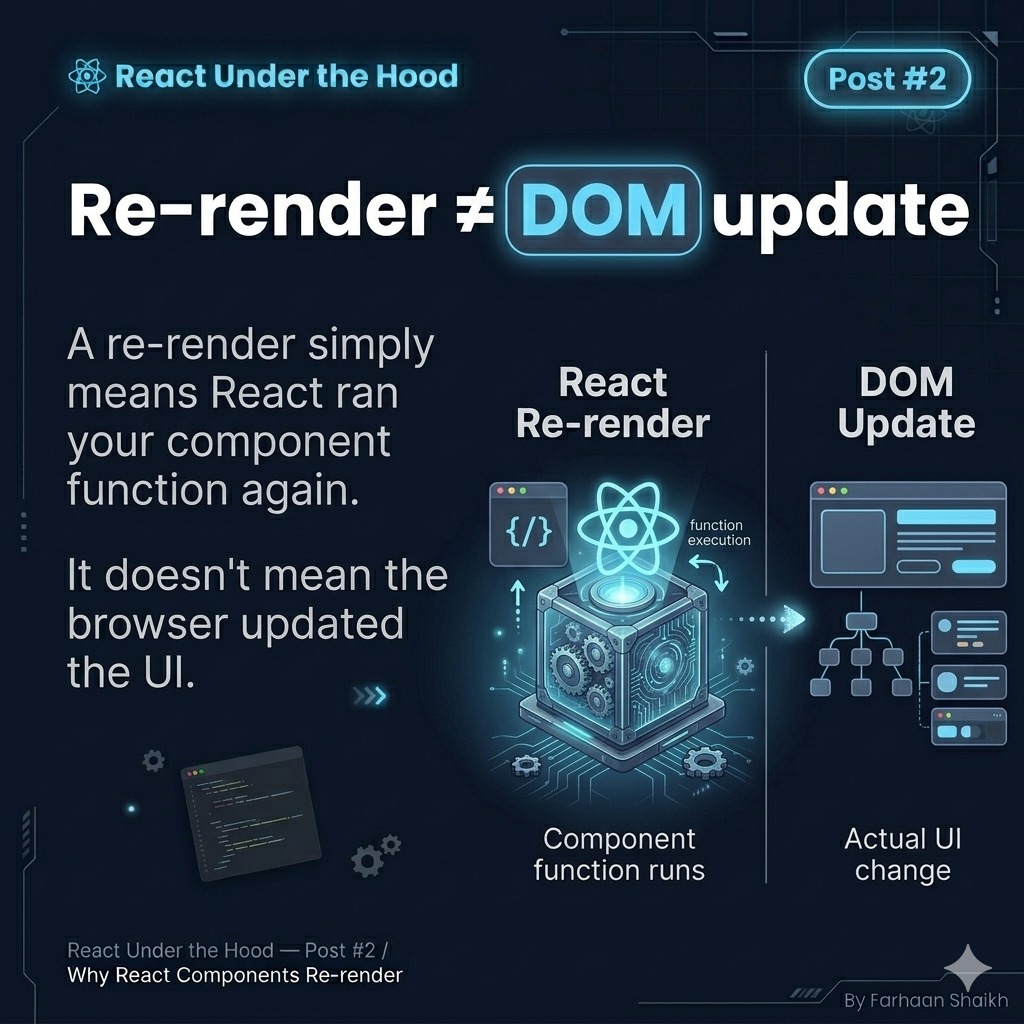
Re-render ≠ DOM Update
Re-render means:
👉 React ran your component function again
It does NOT mean:
👉 The browser updated the UI
Example:
javascript
function App() {
  console.log("Rendering...")

  return <h1>Hello</h1>
}
Even if this runs 100 times…
👉 The DOM might not change at all.
Why?
Because React compares:
- Previous UI
- New UI
If nothing changed…
👉 No DOM update.
🧠 This is HUGE
Most developers think:
👉 “Re-render = performance problem”
But that’s wrong.
Real cost:
❌ DOM updates are expensive
✅ Function execution is cheap
React optimizes this by:
👉 Running functions freely
👉 Updating DOM only when needed
🧩 So What Should You Do?
Next time your component re-renders:
👉 Don’t panic.
Ask:
- Did state change?
- Did props change?
- Did parent render?
- Did context update?
If yes…
👉 React is working correctly.
Then the deeper question:
👉 Did the DOM actually change?
If not…
👉 There is NO performance issue.
🧠 Advanced Insight (This Separates Beginners from Pros)
React has two phases:
- Render phase (run components)
- Commit phase (update DOM)
Most developers confuse these two.
Reality:
👉 React may render 10 times
👉 But commit only once
That’s how React stays fast.
🧩 Conclusion
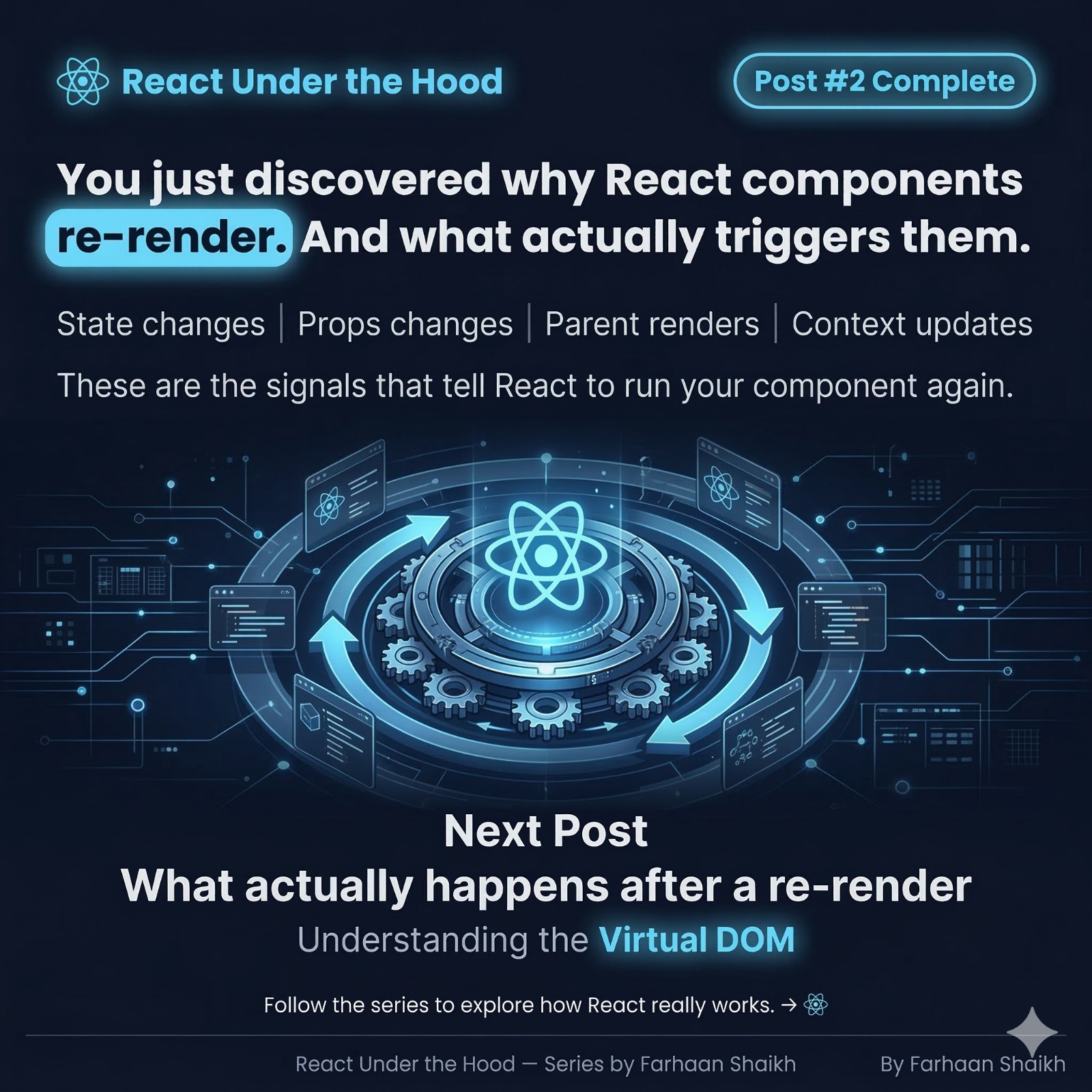
Now you understand:
👉 Why components re-render
👉 What actually triggers them
Final Triggers Recap:
- State changes
- Props changes
- Parent renders
- Context updates
These are signals.
Not bugs.
🎯 Final Takeaways
- Re-render = function execution
- DOM update = actual UI change
- They are NOT the same
One-line clarity:
👉 React re-renders to check if UI should change.
Not because it already changed.
🔥 Mindset Shift
❌ “Why is React re-rendering so much?”
✅ “React is verifying if UI needs updating”
🚀 What You Just Learned
You now understand:
- The true meaning of re-render
- What triggers it
- Why it’s not a problem
🔜 Next Post Teaser
What actually happens after a re-render?
👉 Understanding the Virtual DOM