
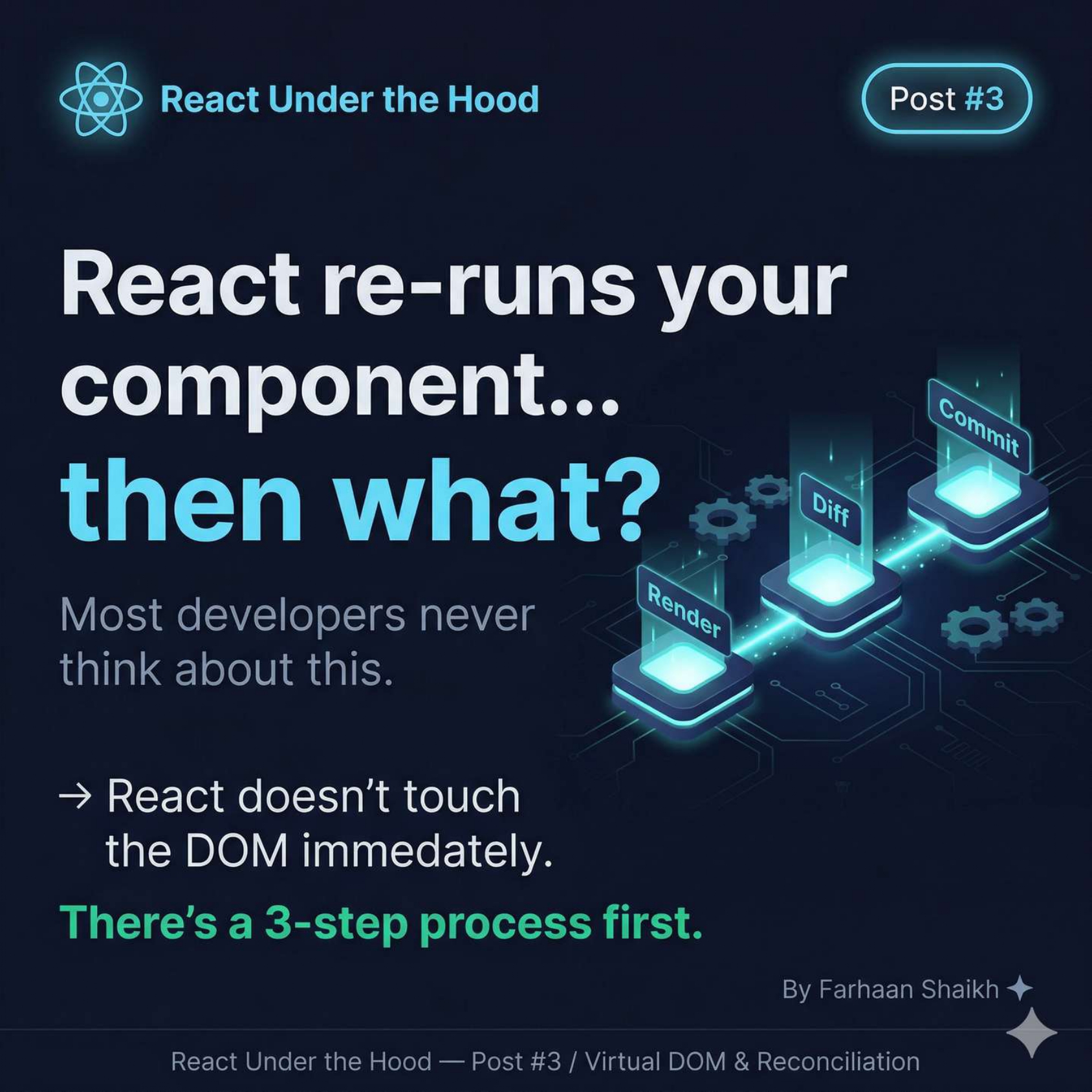
React re-runs your component, then what?
What happens after a React component re-renders—covering Virtual DOM, diffing, and the 3-phase update process that makes React fast.
🧩 Introduction
You already know this:
👉 React re-runs your component when state changes
But what happens after that?
Most developers never think about this part.
They assume:
❌ React directly updates the DOM
But that’s completely wrong.
👉 React doesn’t touch the DOM immediately
👉 It follows a 3-step internal process
And understanding this changes how you write React forever.
🧠 The Core Idea
React separates:
👉 Calculation (thinking)
👉 Execution (doing)
This separation is the secret behind React’s performance.
🧩 Virtual DOM Introduction
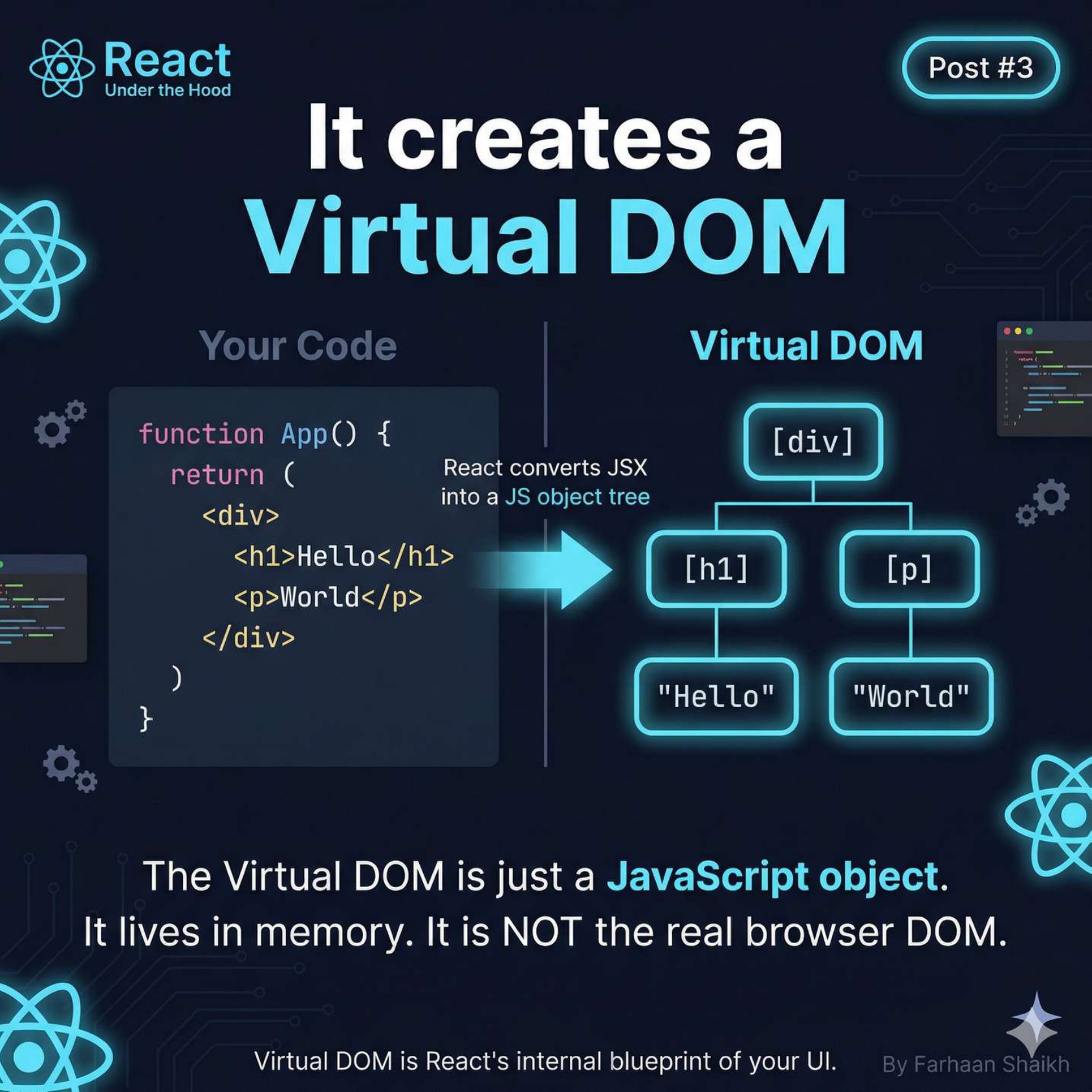
When your component runs:
javascript
function App() {
  return (
    <div>
      <h1>Hello</h1>
      <p>World</p>
    </div>
  );
}
React does NOT create real DOM elements immediately.
Instead:
👉 It converts this into a JavaScript object tree
Example (conceptual):
javascript
{
  type: "div",
  children: [
    { type: "h1", children: "Hello" },
    { type: "p", children: "World" }
  ]
}
Important:
👉 This is called the Virtual DOM
Key properties:
- Lives in memory
- Pure JavaScript
- Fast to create & compare
- Not visible to browser
👉 Think of it as:
🧩 UI as a Tree
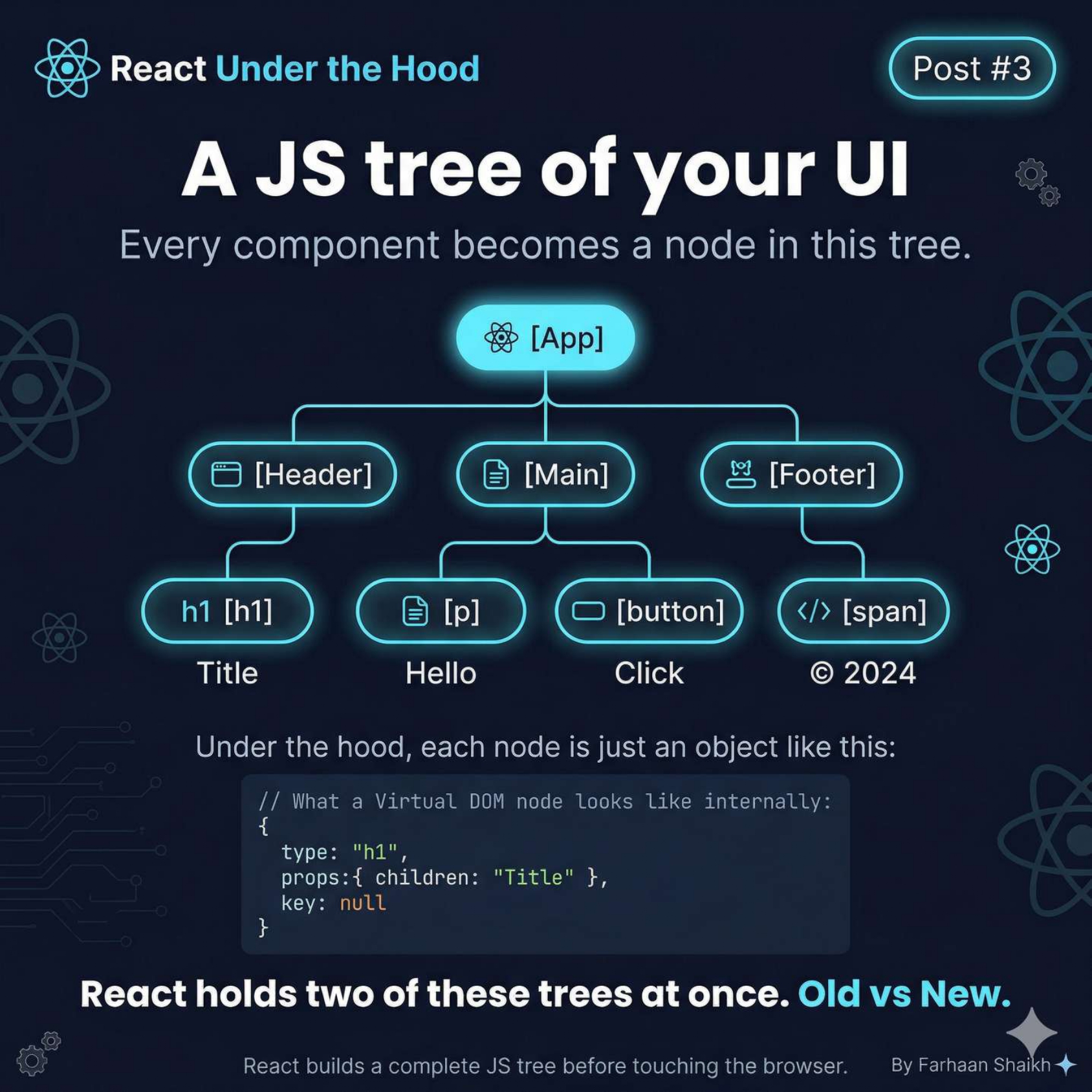
Your UI is not flat.
It’s a tree structure:
plain text
App
├── Header
│   └── h1
├── Main
│   ├── p
│   └── button
└── Footer
Key insight:
👉 Every component = a node
👉 Every element = a node
React builds this entire tree before touching the browser.
And here’s the powerful part:
👉 React keeps two versions of this tree:
- Old Tree (previous render)
- New Tree (current render)
This is the foundation of everything.
🧩 Biggest Misconception
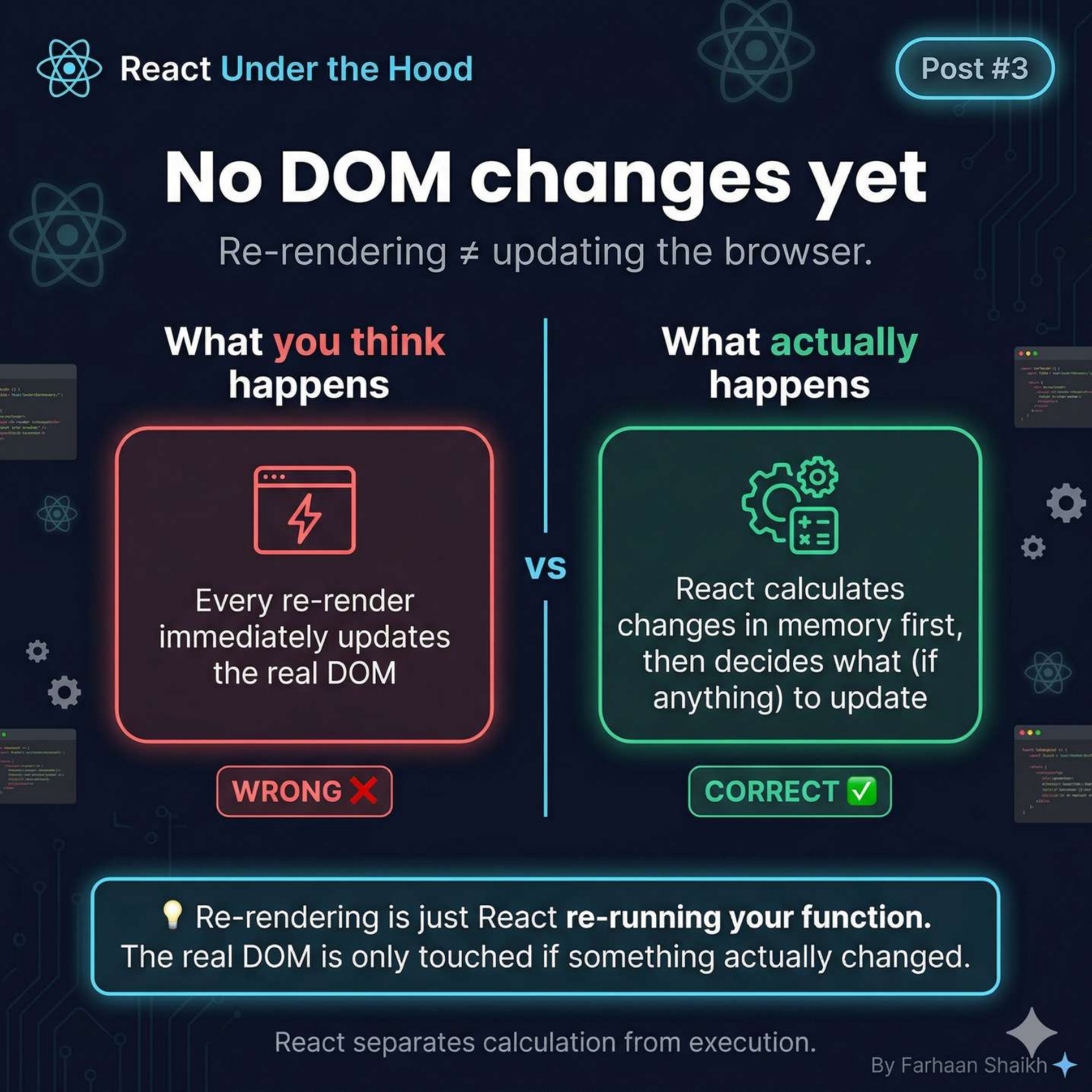
What people think:
👉 “Every re-render updates the DOM instantly”
Reality:
👉 React first calculates everything in memory
👉 Then decides what actually changed
One-line truth:
👉 Re-render ≠ DOM update
Re-render is just:
👉 “Run the function again”
⚙️ The 3-Step Process (Core of React)
This is the most important part of the entire post.
🧩 Step 1 — Render Phase (Thinking)
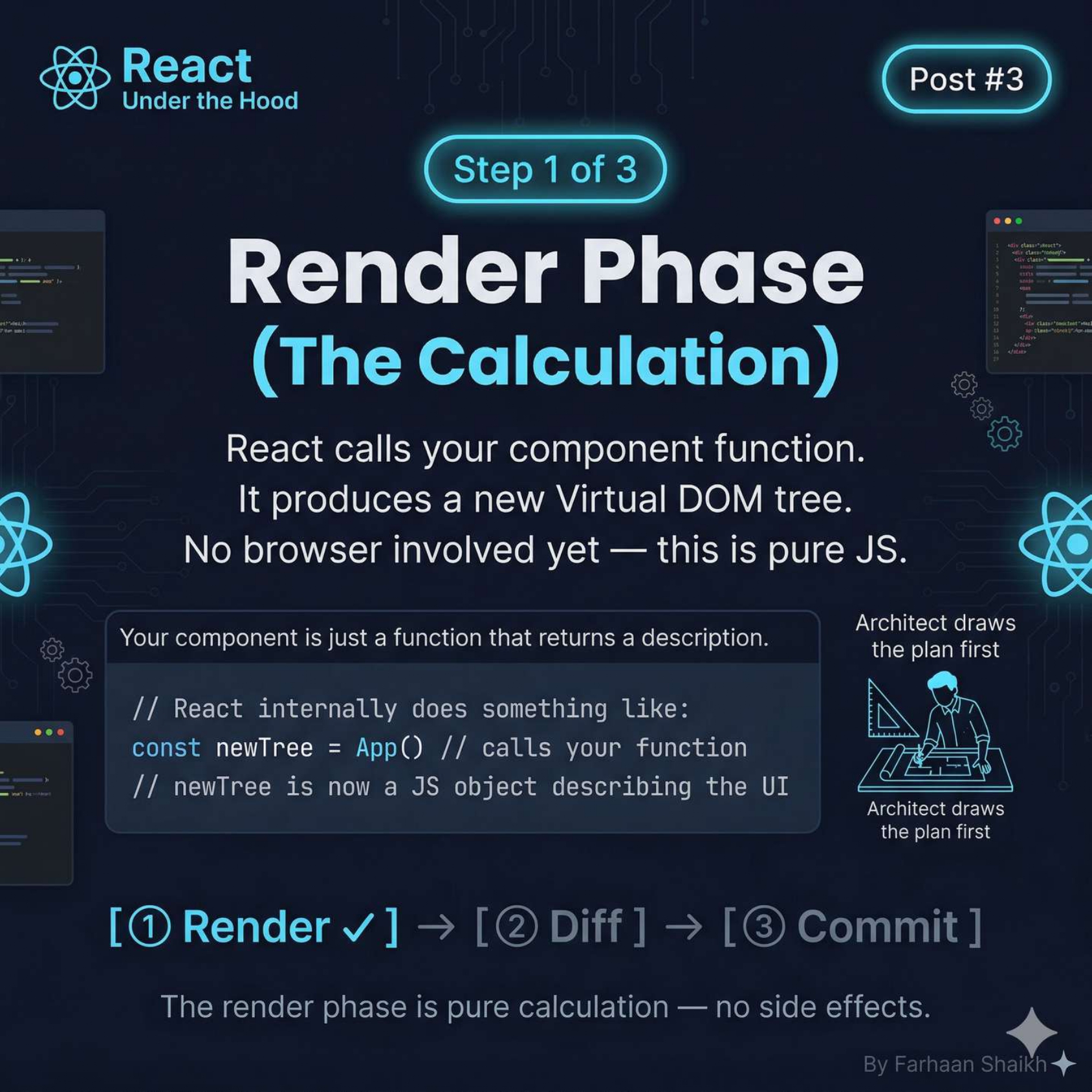
This is where React re-runs your component.
What happens:
javascript
const newTree = App();React:
- Calls your component function
- Generates a new Virtual DOM tree
- Does NOT touch the browser
Important characteristics:
- Pure computation
- No DOM access
- No side effects
👉 Think of this like:
Key insight:
👉 Your component is just a function that returns UI description
🧩 Step 2 — Diffing (Comparison)
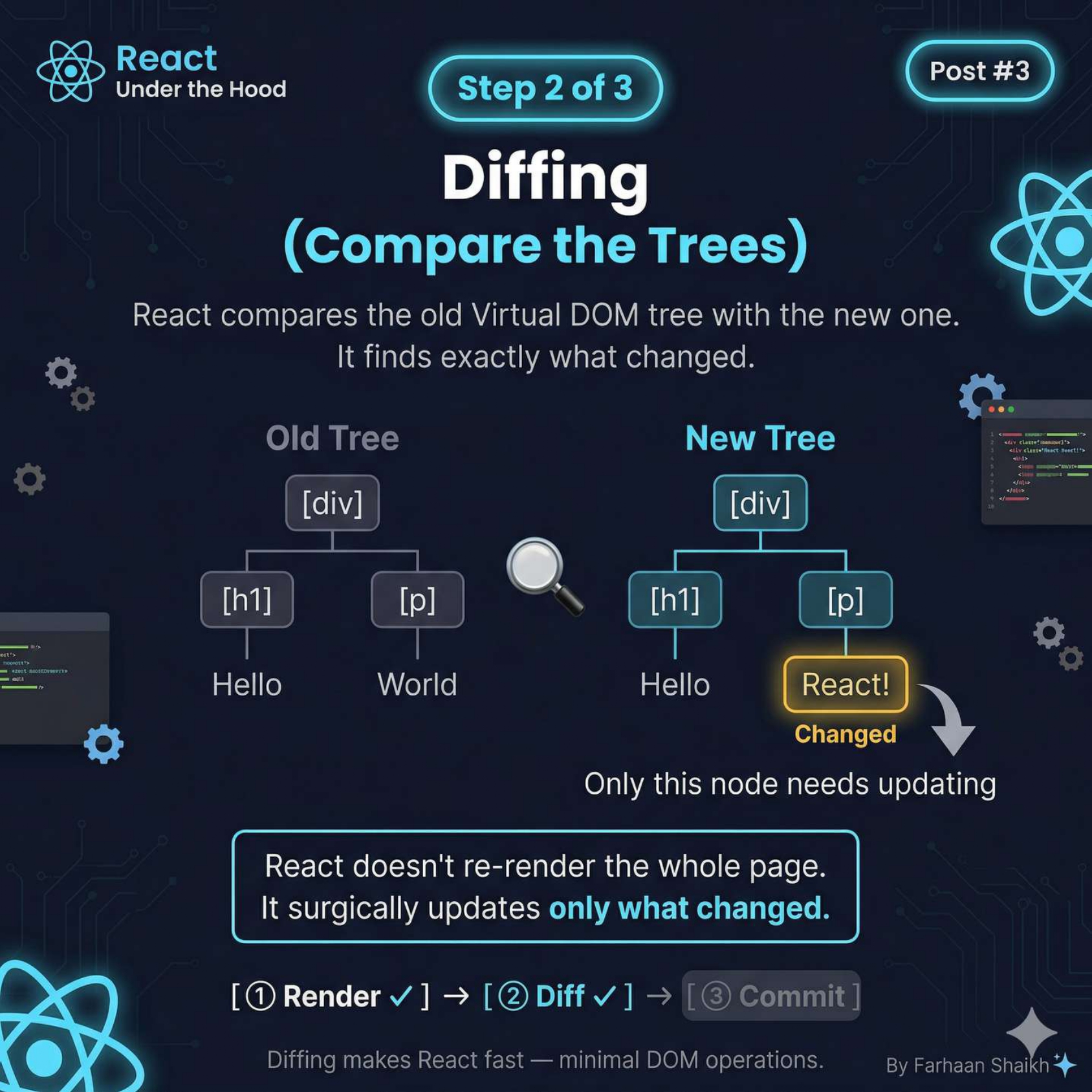
Now React compares:
👉 Old Tree vs New Tree
Example:
Old:
javascript
<p>World</p>New:
javascript
<p>React!</p>What React finds:
👉 Only this node changed
Important:
👉 React does NOT update everything
It identifies:
- What stayed same
- What changed
- What needs update
👉 This process is called Diffing
Why this matters:
Instead of:
❌ Rebuilding entire UI
React does:
✅ Update only what changed
👉 This is the biggest performance win.
🧩 Step 3 — Commit Phase (Doing)
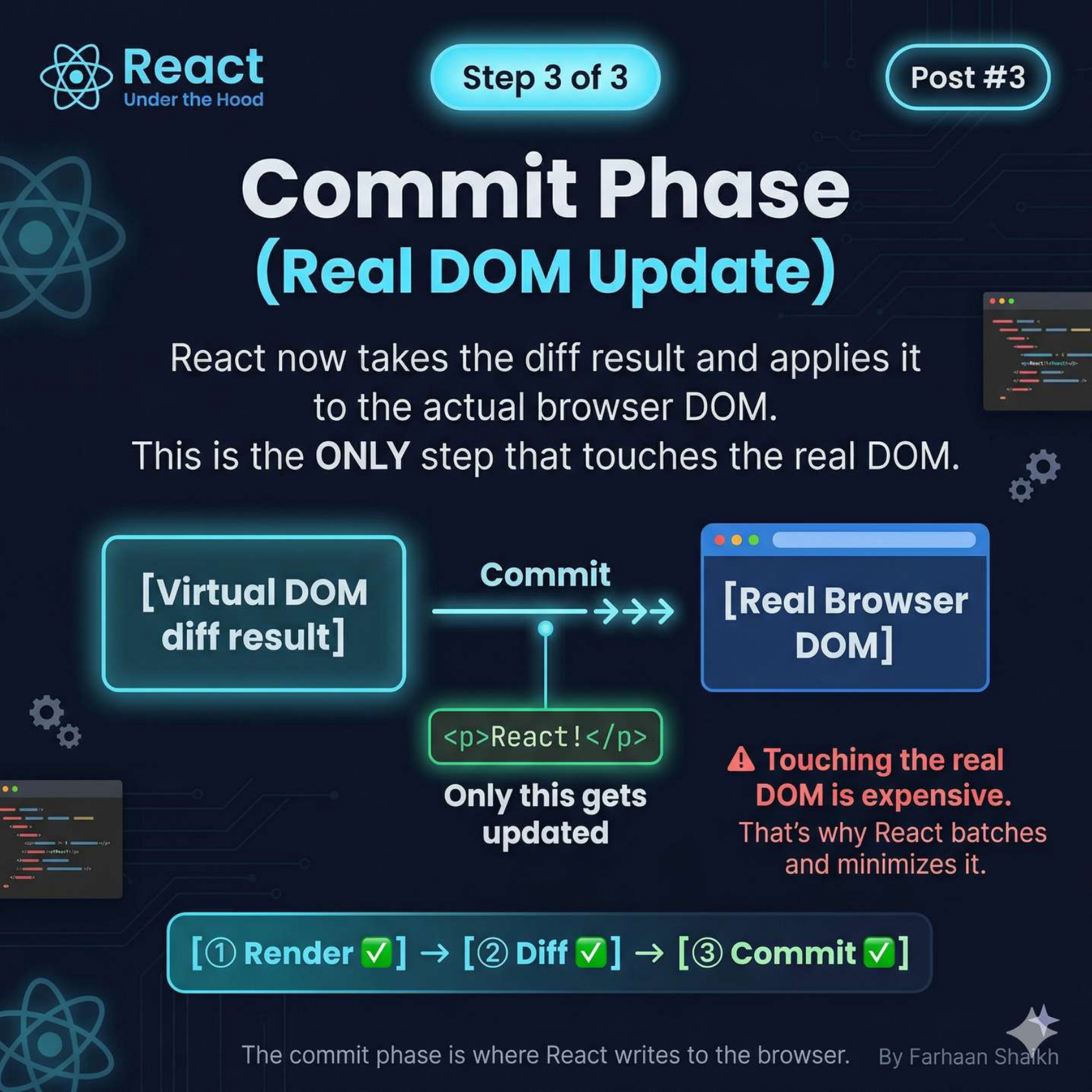
Now React finally touches the DOM.
What happens:
👉 Takes diff result
👉 Applies minimal changes
Example:
html
<p>World</p> → <p>React!</p>Only this node is updated.
Important:
👉 This is the ONLY phase that touches real DOM
Why React delays this:
Because:
👉 DOM operations are expensive
So React:
- Batches updates
- Minimizes changes
- Applies only necessary patches
🧩 Browser Takes Over
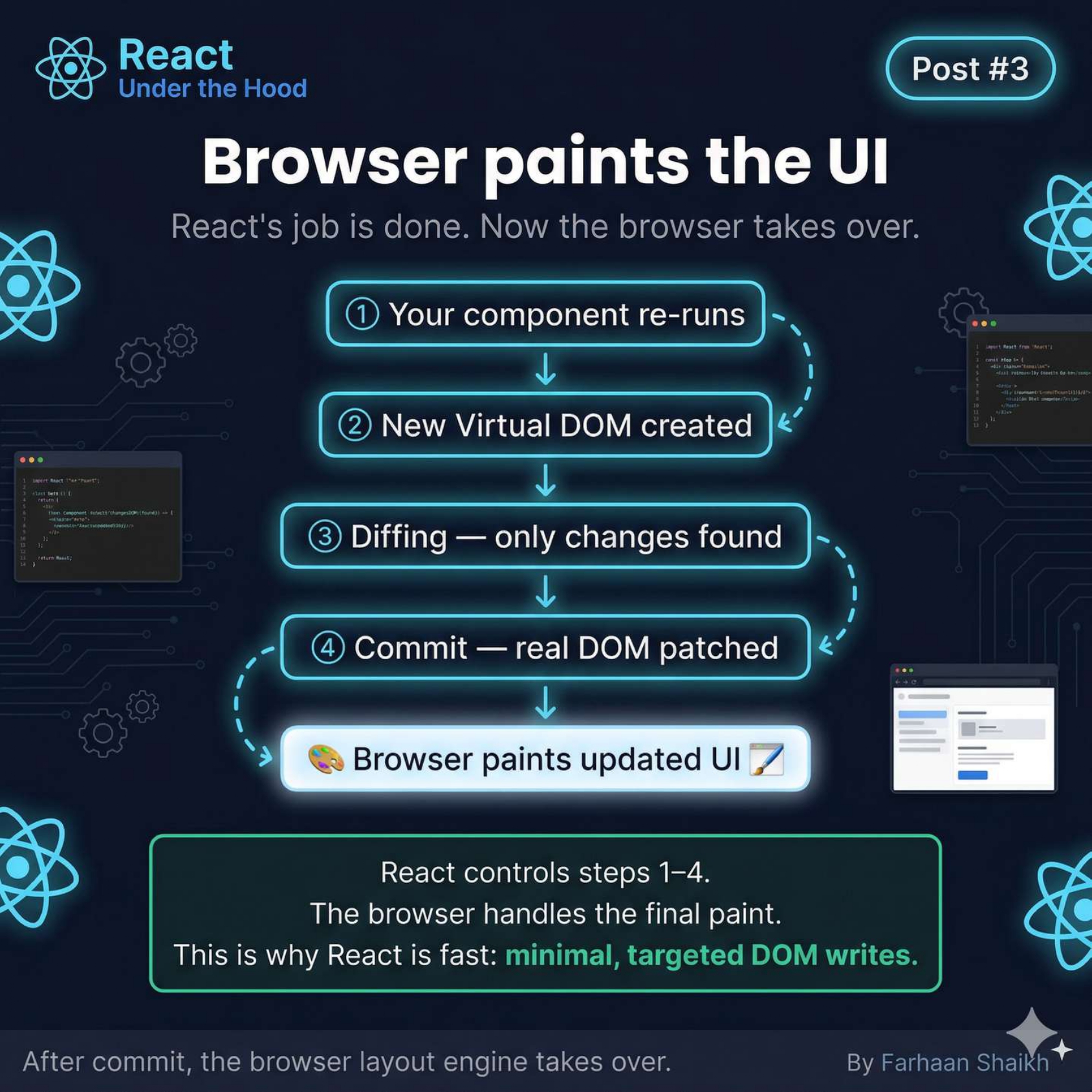
After commit:
👉 React’s job is done
Now browser:
- Calculates layout
- Paints UI
- Displays changes
Flow:
- Component runs
- Virtual DOM created
- Diffing happens
- DOM updated
- Browser paints
👉 React controls logic
👉 Browser handles rendering
🧩 Thinking vs Doing
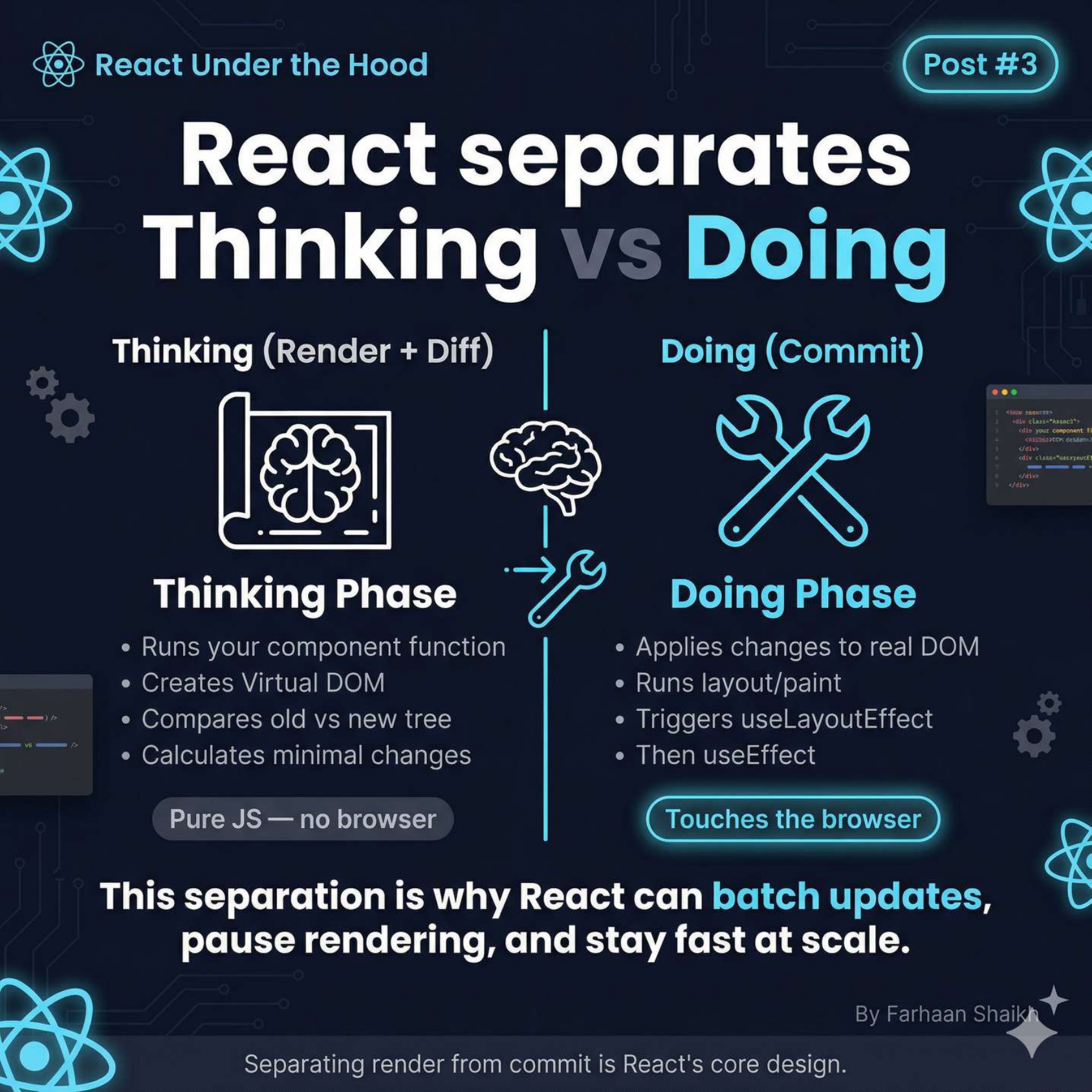
This is the most important mental model:
Thinking Phase (Render + Diff)
- Runs component
- Builds virtual tree
- Compares trees
- Calculates changes
- No browser involved
Doing Phase (Commit)
- Updates real DOM
- Triggers layout & paint
- Runs effects
👉 Separation = performance
Why this is powerful:
Because React can:
- Batch updates
- Pause work (Concurrent mode)
- Optimize rendering
🧠 The Big Insight
React is not fast because:
❌ It avoids re-renders
React is fast because:
✅ It avoids unnecessary DOM updates
🧩 Final Understanding
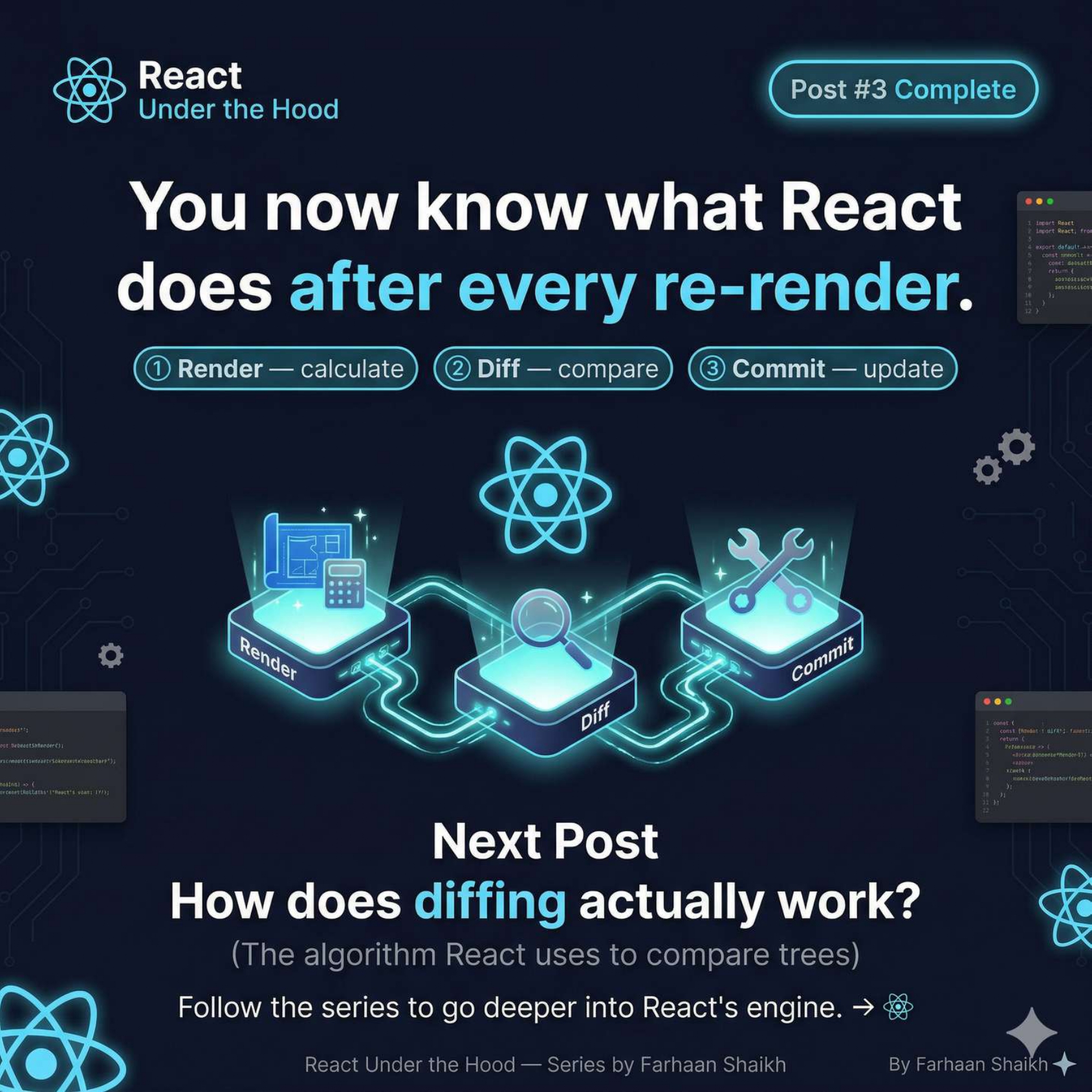
After every re-render:
React does:
- Render → build new tree
- Diff → find changes
- Commit → update DOM
Final truth:
👉 React updates the UI surgically
🎯 Final Takeaways
- Virtual DOM = JS representation of UI
- React builds trees, not DOM directly
- It compares old vs new trees
- Only minimal DOM updates happen
One-line clarity:
👉 React thinks first, then acts.
🔥 Mindset Shift
❌ “Re-render = expensive”
✅ “DOM updates = expensive”
🚀 What You Just Learned
You now understand:
- Virtual DOM
- Tree structure of UI
- Render → Diff → Commit
- Why React is efficient
🔜 Next Post Teaser
👉 How Diffing Actually Works (Algorithm Deep Dive)
- Why keys matter
- O(n) optimization
- Real matching rules